Voice & Language
Two related things live here: how you sound to the people listening, and what language they hear you in.
Neither is something you invoke. You set them once and they apply to everything you send from then on.
- Personalize the voice for messages you type — the text-to-speech voice used when someone plays back something you typed.
- Voice cloning and text-to-speech — make that voice sound like you.
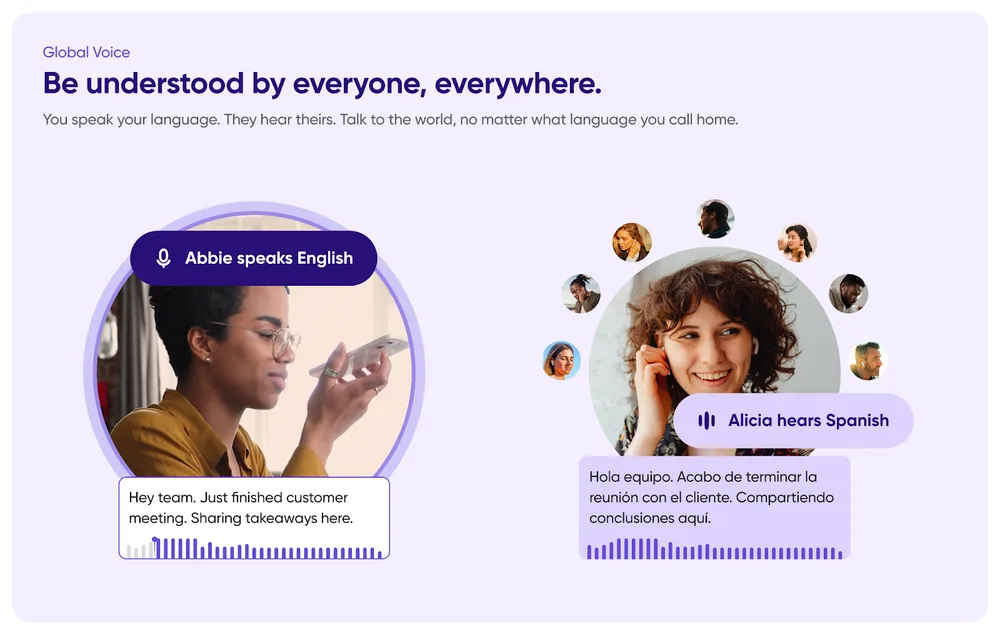
- Auto-translation and Global Voice — talk across languages, in your own voice.
All three are configured in one place: Profile Menu → Settings → Global Voice - TTS & Translation.
Why they belong together
Cloning and translation are the same feature from two directions. Clone your voice, and a message translated into Spanish is still spoken in your voice, so a colleague hears you speaking their language, rather than a robot reading your words.
Related
- Transcripts — the other half of every message.