AI Chat
AI Chat answers questions using what you've said in Carbon Voice. Where summaries and AI actions reshape one thing you already have, AI Chat searches across what you've stored and answers.
Ask "what did we decide about pricing?" and it goes looking.
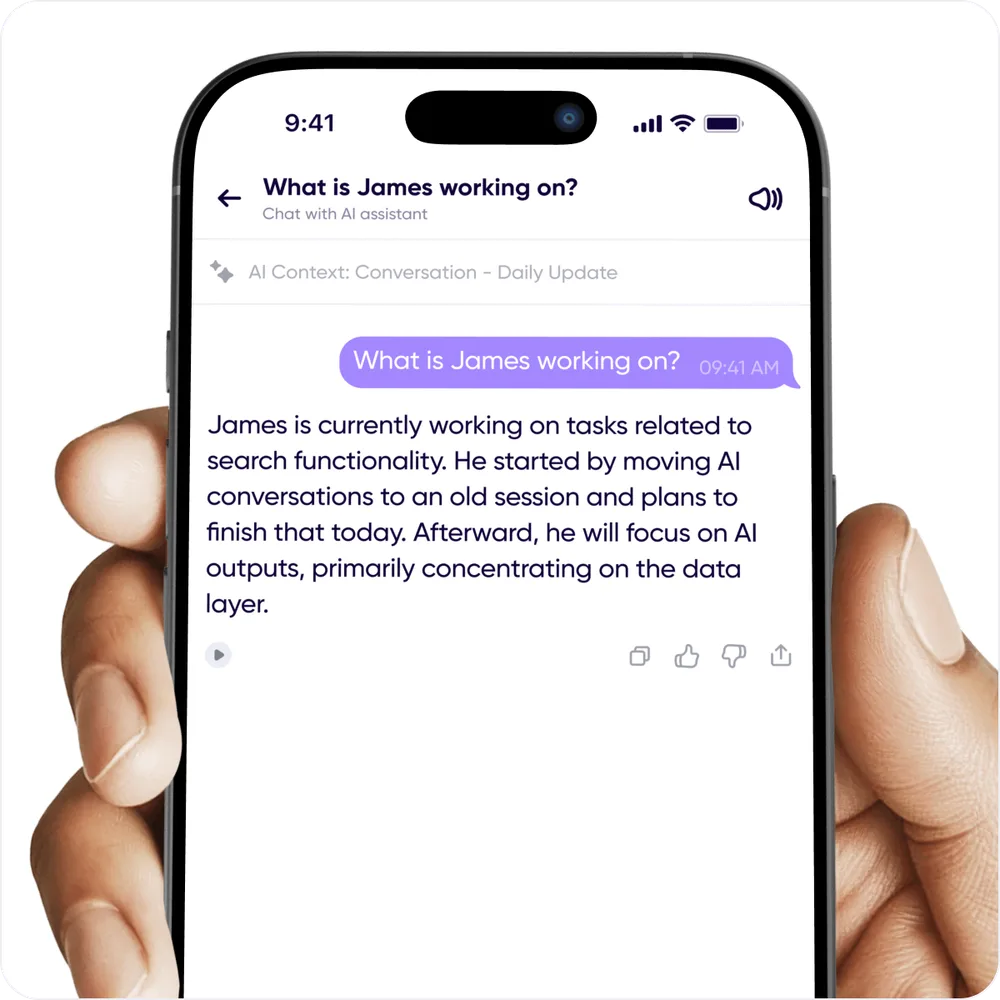
Where you open it sets what it can see
AI Chat answers from a scope, and the scope is decided by where you started the chat.
| Started from | Answers from | Where the history lives |
|---|---|---|
| Home | Everything in the workspace | Global AI Chat |
| A conversation | That conversation only | With that conversation |
| A voice memo | That memo only | Global AI Chat |
| A multi-select | Only the messages you picked | Global AI Chat |
So scope it tightly when you know where the answer lives, and start from Home when you don't. To ask about a particular run of messages, press and hold one, tap Select, choose the rest, and open AI Chat from there.
On mobile, open a conversation's chat from the summarize icon at the top right. On desktop, use the dedicated AI Chats button in the app bar.
A chat belongs to one workspace, fixed when it starts. Start a new chat to ask about a different workspace.
Choosing a workspace
The global chat works within one workspace at a time, so answers don't mix your personal recordings with a client's. Pick the workspace at the top of the chat; your choice is remembered for new chats.
Saved prompts
Questions you ask often can be saved and reused, so a weekly "what did I commit to this week?" is one tap rather than retyping. Saved prompts appear above the chat.
Getting better answers
- Be specific about the person or conversation. "What did Sara say about the migration" narrows the search far more than "what about the migration".
- Give it a time frame. "In the last month" is usually enough.
- Follow up. It keeps the thread, so you can refine rather than restating.
What it can't do
AI Chat only knows what's in Carbon Voice, and only what you have access to. It won't see a conversation you were never part of.
Related
- Summaries & AI Actions — reshaping something you already have.
- AI Assistants & MCP — asking the same questions from Claude or ChatGPT instead.
- Catch up with AI