Android — making links open in the app
If Carbon Voice links open in a browser instead of the app, set Carbon Voice as the default handler for those links.
- Make sure the app is installed.
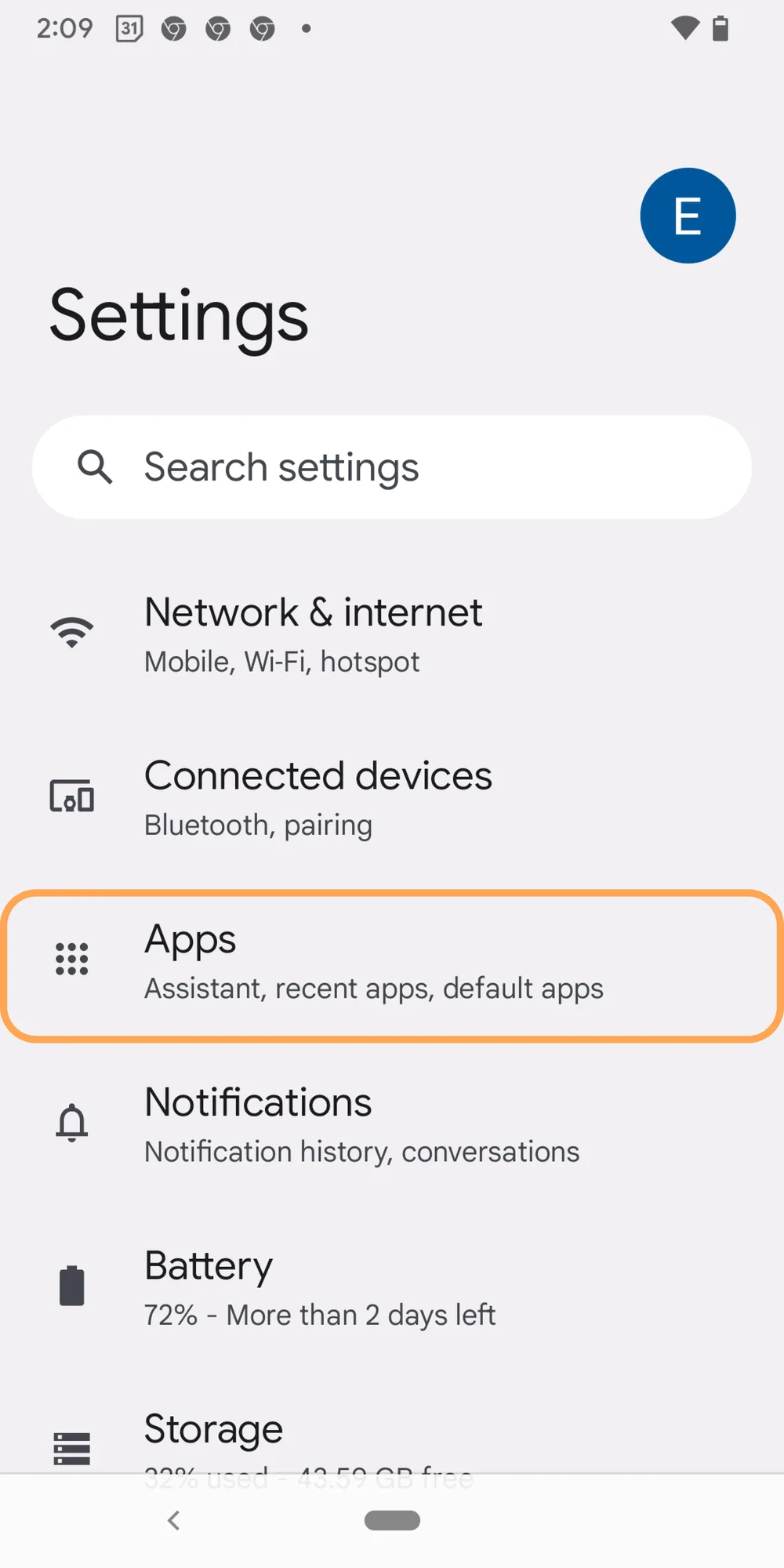
- Open your device settings.
- Go to the apps section — "Apps" or "Apps & Notifications", depending on your device.
- Select Carbon Voice.
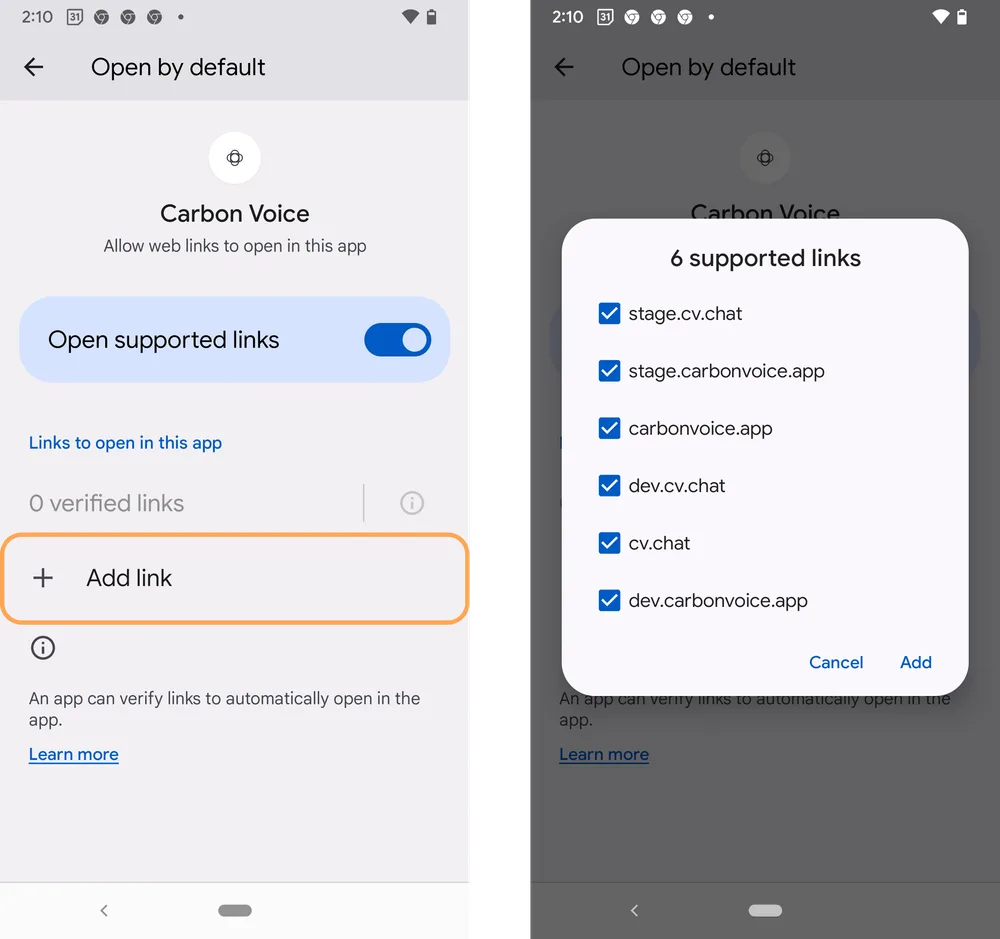
- Find link management — the setting for opening supported web links or defaults.
- Set the link types Carbon Voice should handle, such as HTTP and HTTPS.
- Confirm, and those links will open in the app from then on.
Exact wording and menu locations vary by Android version and manufacturer. If you can't find the setting, check your device's own documentation.