Quick Send
Make a conversation a Quick Send for faster access from Home.
Add a conversation to Quick Send
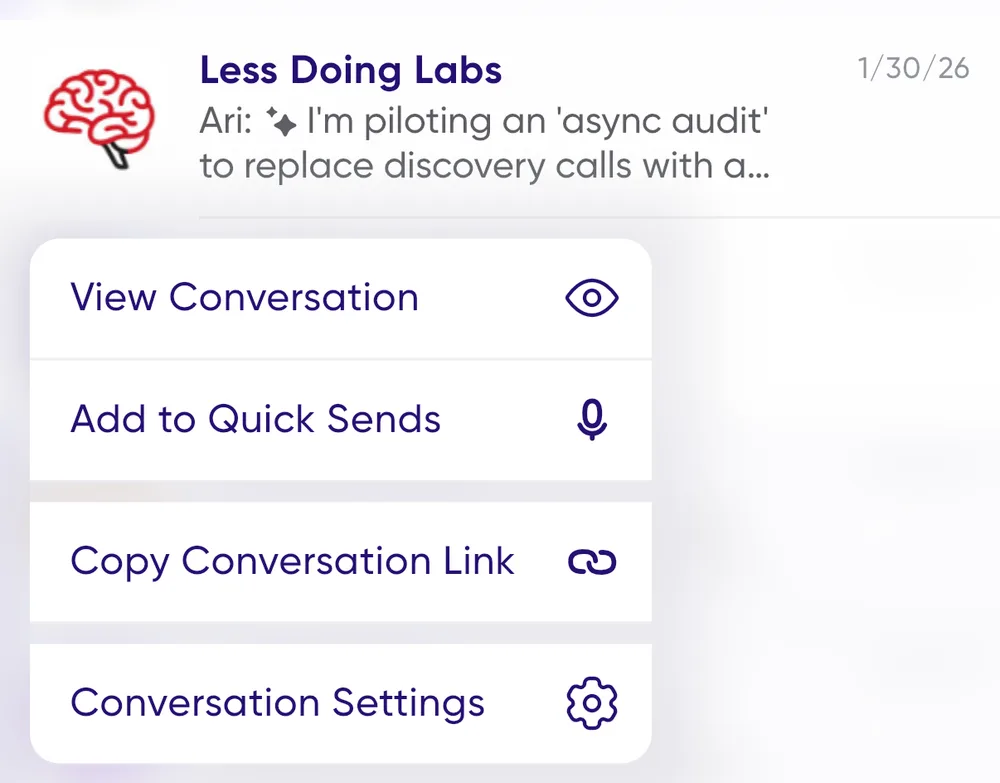
- Press and hold on a conversation to open the menu.
- Select Add to Quick Sends.
- The conversation appears in the Quick Sends section on Home.
Using Quick Sends
- Record a new message by tapping the mic button on the Quick Send.
- Open the conversation by tapping the image.
- Press and hold for more options.