Create a conversation with the same members
Have a new idea or topic to discuss with the same group of people who are already in another conversation? You can create a new conversation from an existing one's member list.
- Open the conversation and tap the "..." in the upper right corner to reach Conversation Settings.
- Tap Members.
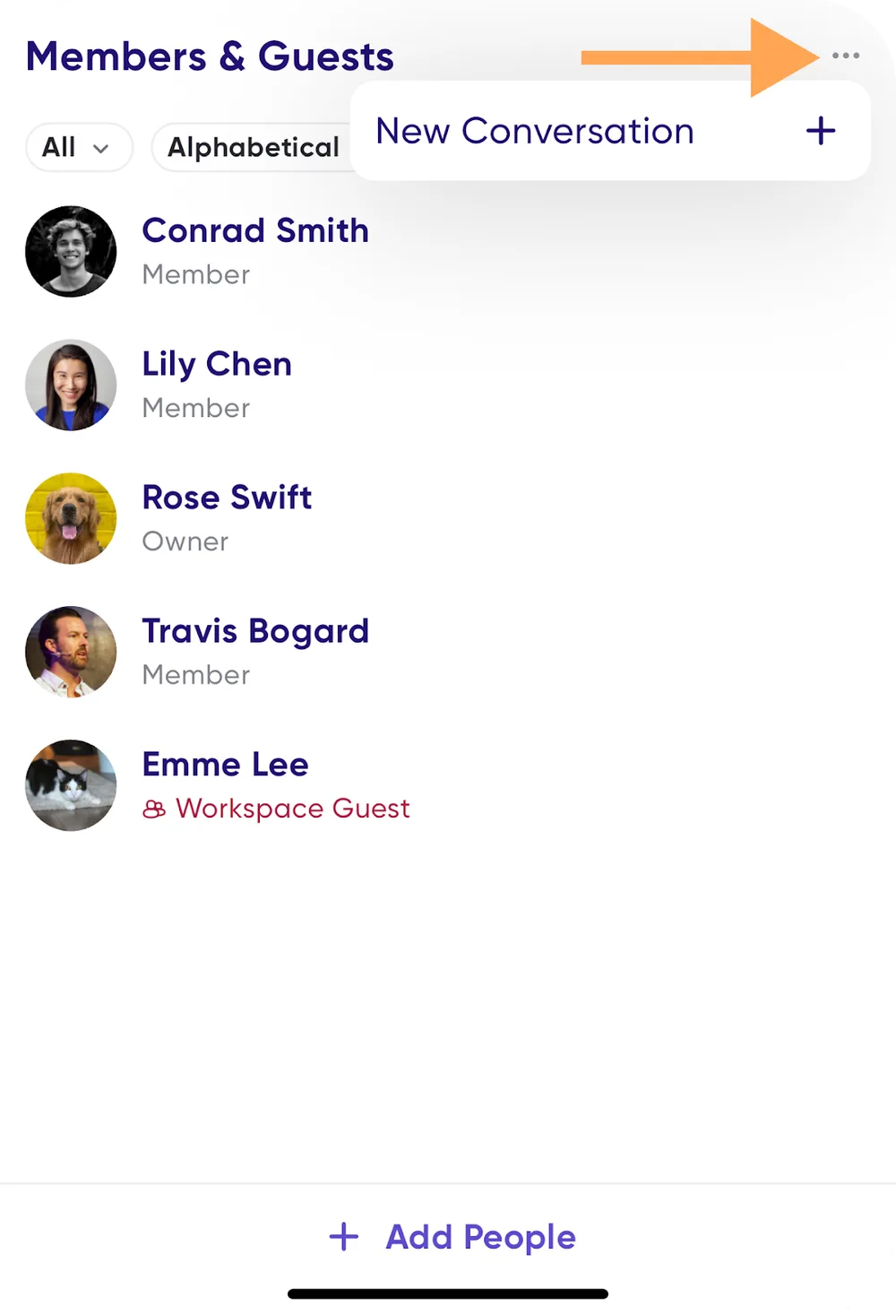
- Tap the "..." in the upper right corner.
- Select New Conversation +.