Keyboard shortcuts
On macOS, Carbon Voice registers global shortcuts. They work whatever app you're in, so you can capture a thought without breaking out of what you were doing.
Set them up in Profile Menu → Settings → Keyboard Shortcuts.
The three shortcuts
| Default | Does |
|---|---|
| ⌥V | Record Voice Memo — record and send a voice message from anywhere |
| ⌥C | Quick Send — send a Carbon Voice message from anywhere |
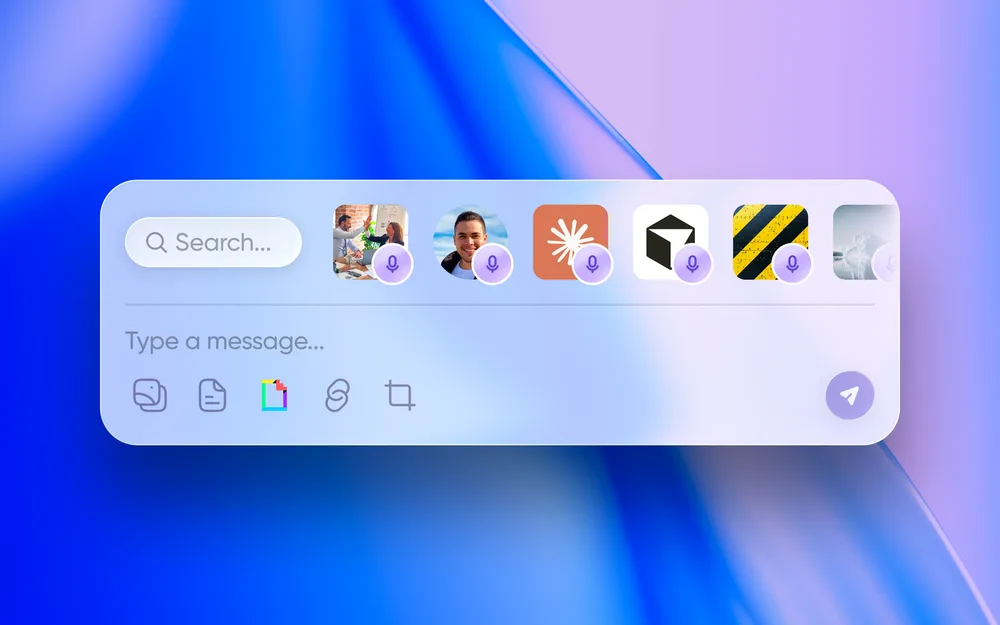
| ⌥` | Speed Dial Panel — open the floating panel with all ten destination slots |
Each one can be changed: pick from the presets, or choose Record shortcut… and press the combination you want. A shortcut needs at least one modifier key (⌥ ⌘ ⌃ ⇧). Any shortcut can be reset to its default.
While recording
The recording panel has the same controls as the app, including pause, restart, delete and send. You can also hold the spacebar to record and release to stop.
Other settings on this screen
- Voice memo workspace — which workspace memos recorded by shortcut are filed in.
- Auto-copy — automatically copy the transcript to your clipboard when a recording finishes, so you can paste it straight into whatever you were writing.
- Link prefix — the prefix used for links Carbon Voice copies.
Keyboard shortcuts are macOS only. The settings screen doesn't appear on other platforms.
Related
- Speed Dial
- The menu bar app
- Carbon Voice on desktop — the in-app shortcuts, which are separate.