Adding someone to a workspace
You can add someone directly, or share a link they can use to join.
- From the Home screen, tap your profile picture to open the Profile Menu. It's at the top left on mobile, and at the bottom of the navigation sidebar on desktop.
- Select Spaces to see your list of workspaces.
- Tap the gear icon on the right side of the workspace you want to invite to.
- Tap Add People.
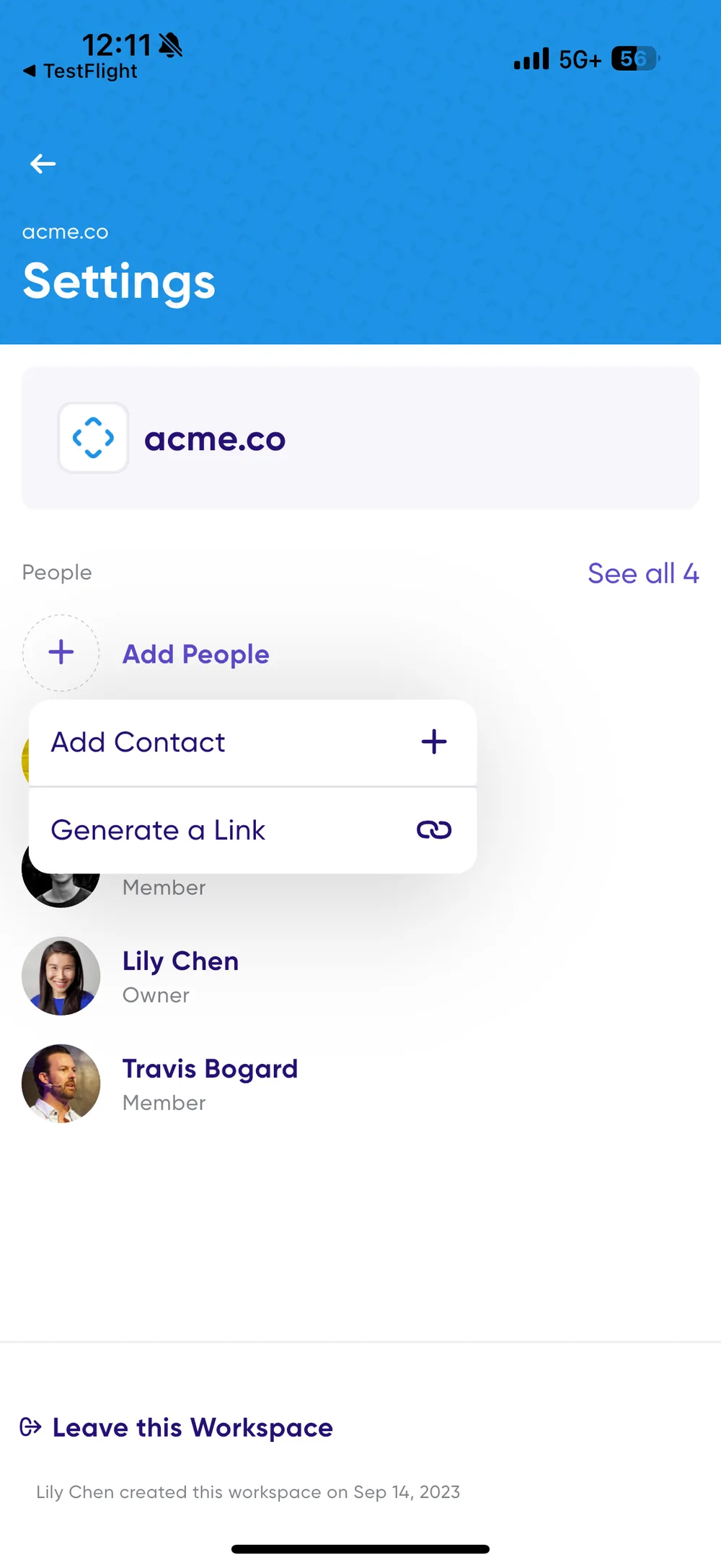
From there you can either add a contact or create a link to share.
Adding contacts
Add existing Carbon Voice contacts, email addresses, or people from your phone's contact list.
Generating a link
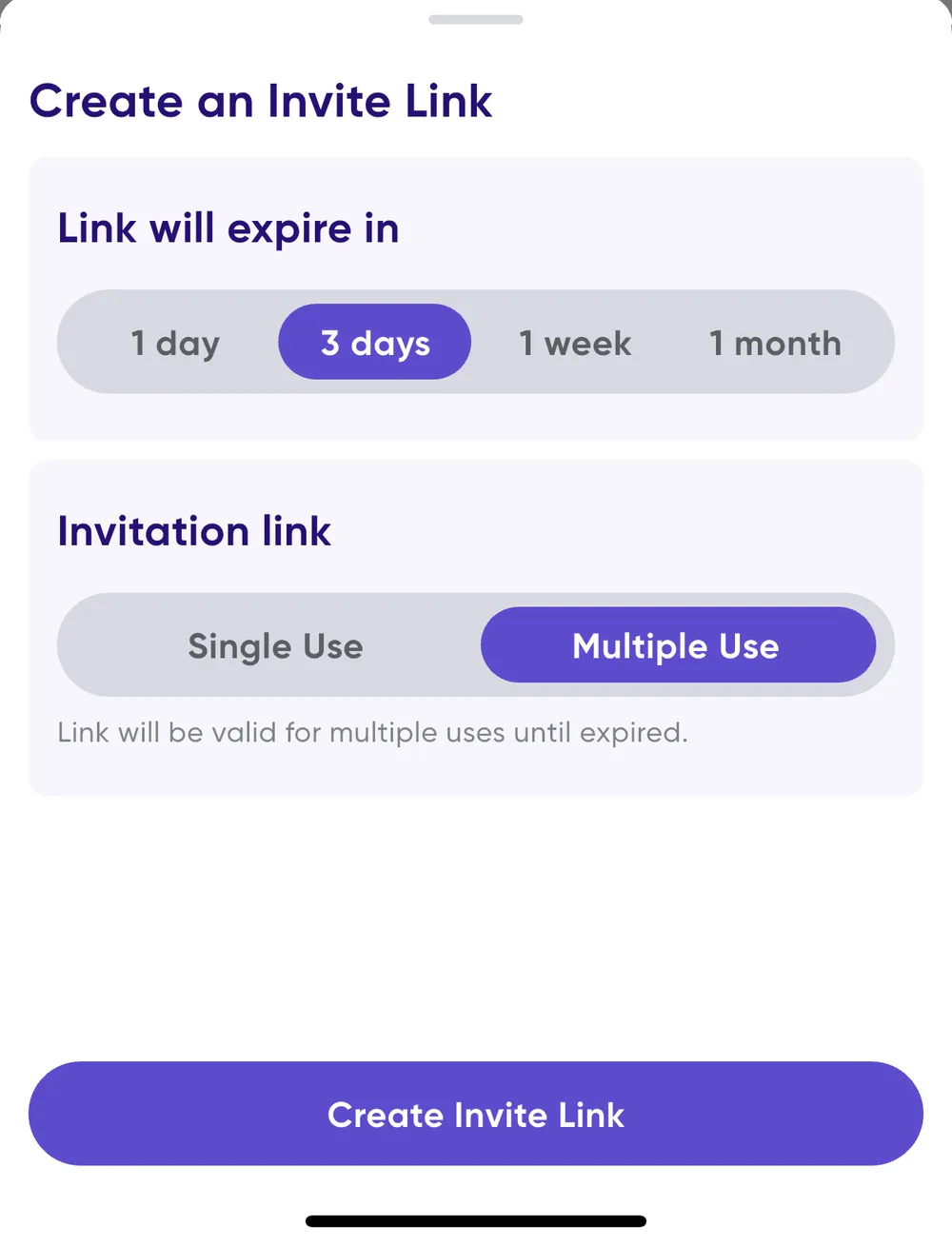
A link can be shared directly, posted on an intranet, or put on a website, and whoever receives it can tap it to join the workspace. Two settings control how it behaves:
- Link expiration — how long the link stays valid.
- Single or multi-use — choose single use when inviting one person, and the link expires as soon as they join. Choose multi-use when a whole team needs to join with the same link.
Related
- Roles and access controls — who is allowed to invite people.
- Create a workspace for your team