Message information
Message details show whether your message has been seen or heard, along with its transcript and everything you can do with it.
Opening message details
- Press and hold the message card and select More → Message Info.
- From the in-line player, tap the "...".
- In distracted mode, tap See Transcript.
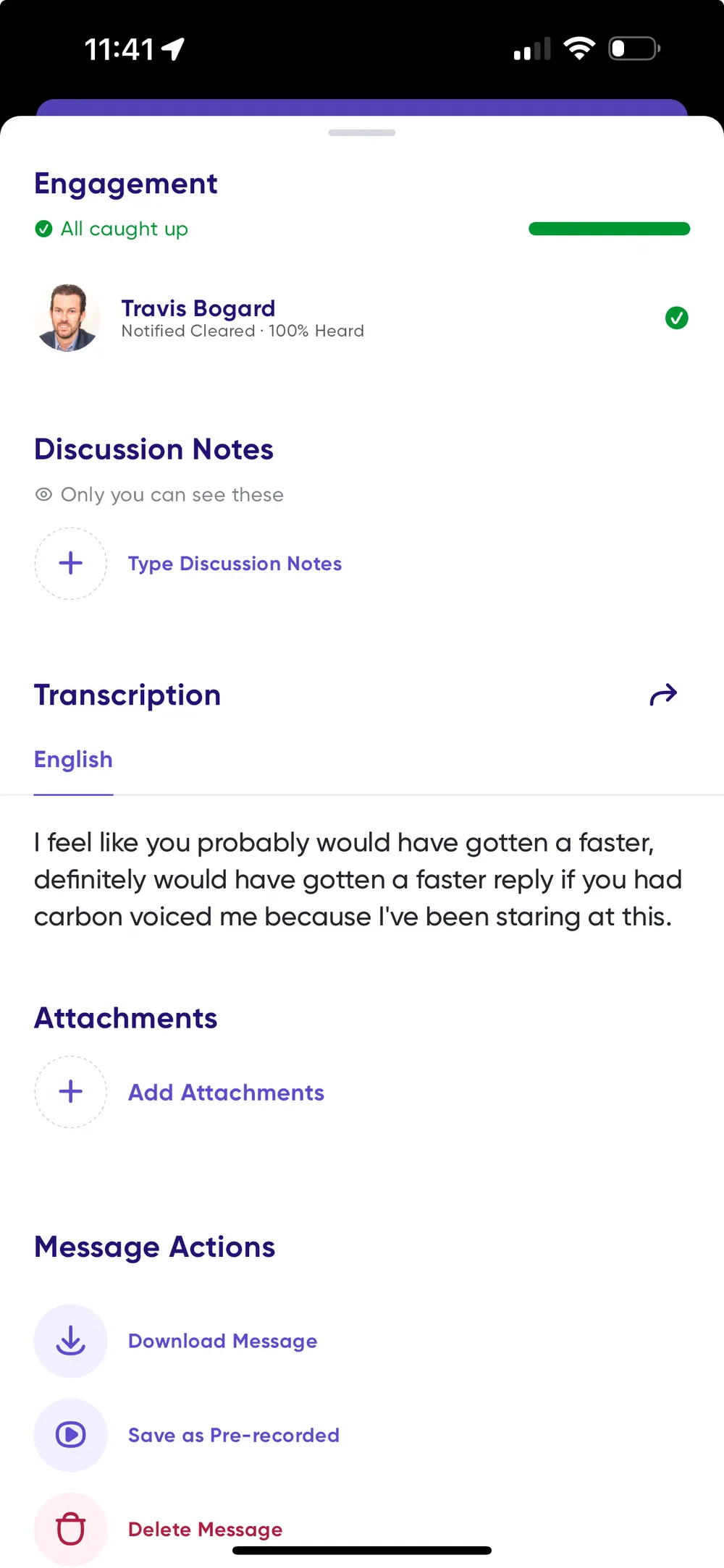
What's in it
Engagement — who has caught up on your message, either by clearing the notification or by listening. See See if someone has read or listened.
Discussion notes — take notes as you listen to a message.
Labels — flag messages using the default labels or your own, and use them to build playlists. See Playlists and labels.
Transcription — read the full transcript, tap a word to jump to that point during playback, and copy or share the text.
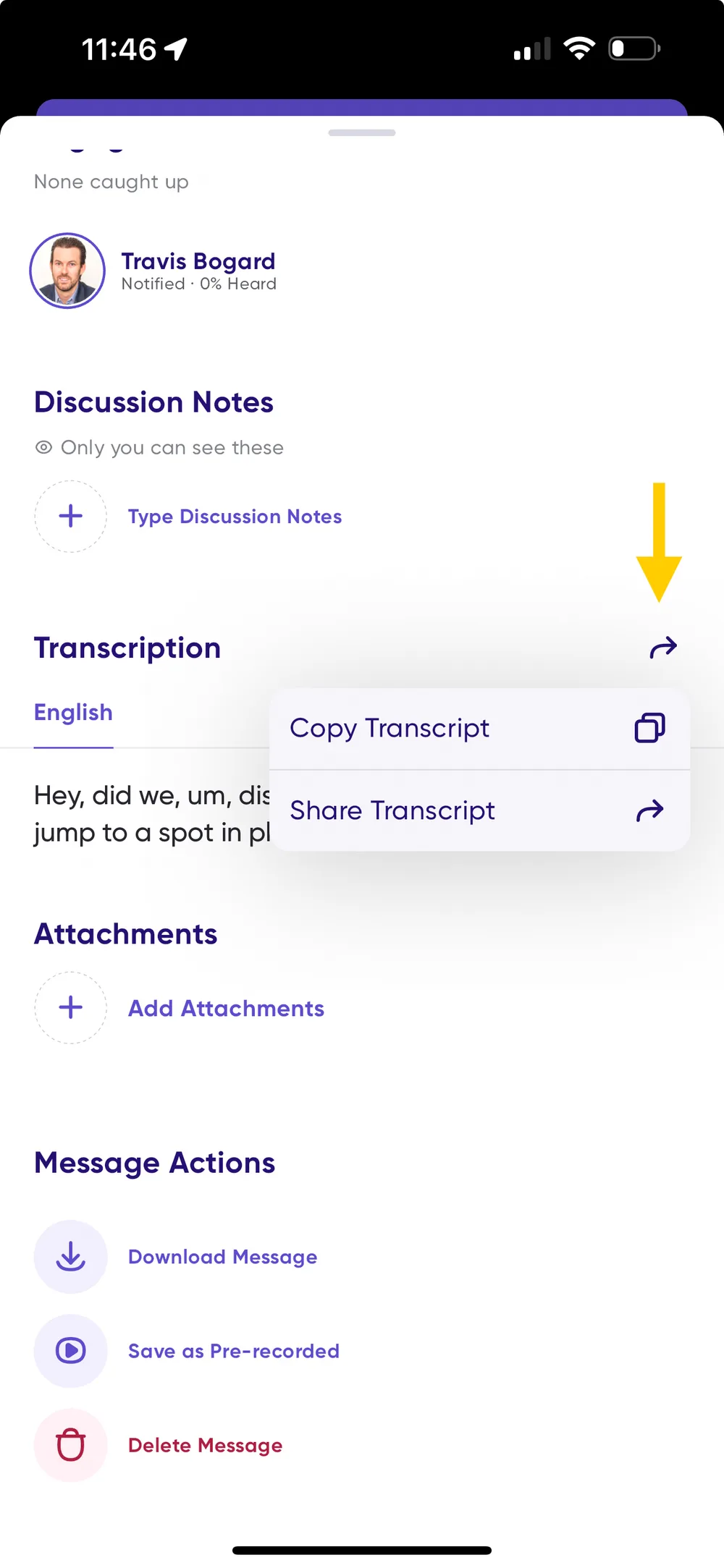
Message actions — download the message, save it as a voice memo to reuse, or delete it. The last two are available on your own messages only.