Notebook
Notebook collects the things that come out of your conversations, so they're findable without going back through the conversation they came from.
It's the second tab in the bottom bar on mobile, and in the sidebar on desktop.
What's in it
- Memos — your voice memos, including their folders.
- Action Items — everything assigned to you, plus anything you created and haven't assigned. See Action items.
- Contacts — the people you've talked to.
- Labels — every message you've labelled, grouped by label. See Playlists and labels.
- Notes — the private notes you took while listening.
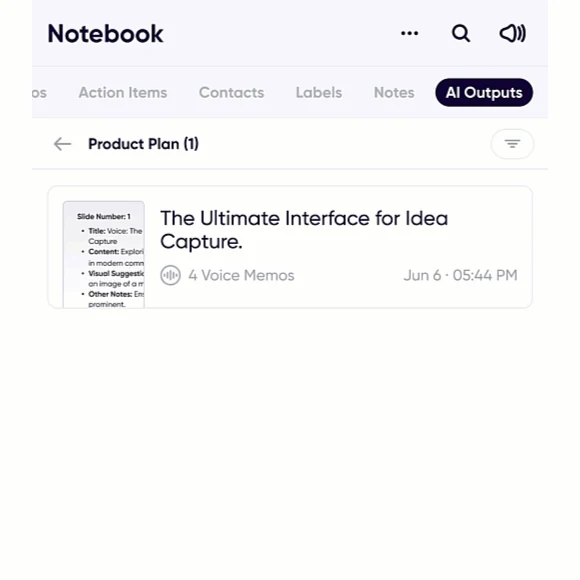
- AI Outputs — every result you've generated with an AI action, kept so you don't have to regenerate it.
AI Outputs
This is the one people miss. Every summary, email draft, presentation outline and to-do list you've ever generated is here, labelled with what it was made from, so a document you produced weeks ago from a discussion is still one tap away.
Results generated from several messages at once show how many they came from, so you can tell a summary of one memo from a summary of a whole discussion.
Pinning what you use
You can choose which sections appear first, so the part of Notebook you actually use is the part you land on.