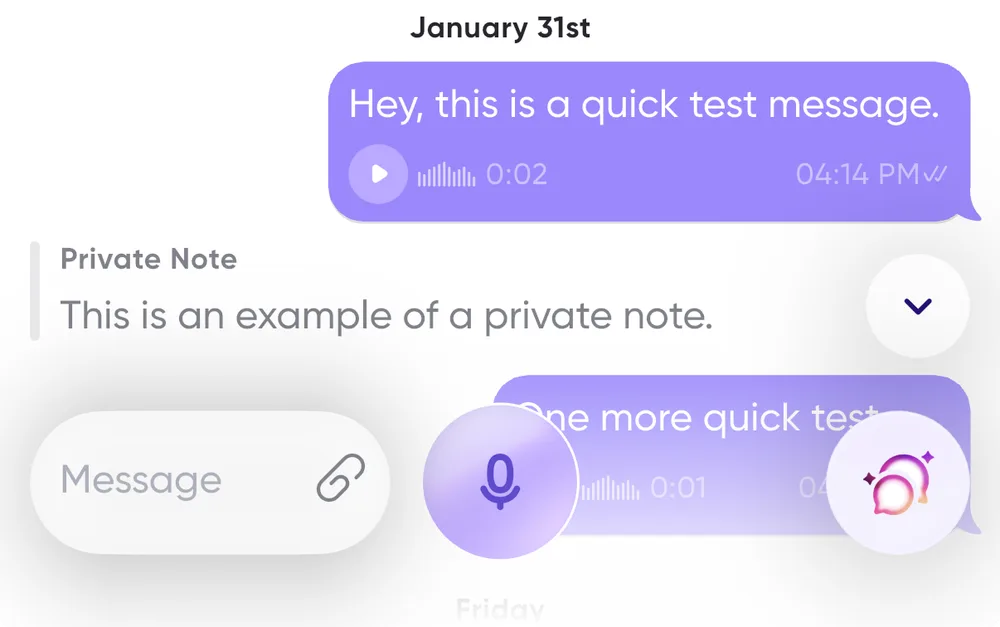
Personal notes while you listen
While listening to a message, you sometimes need to gather your thoughts before replying. Carbon Voice lets you take private notes on a message so you can reference them as you record your reply.
Add a note
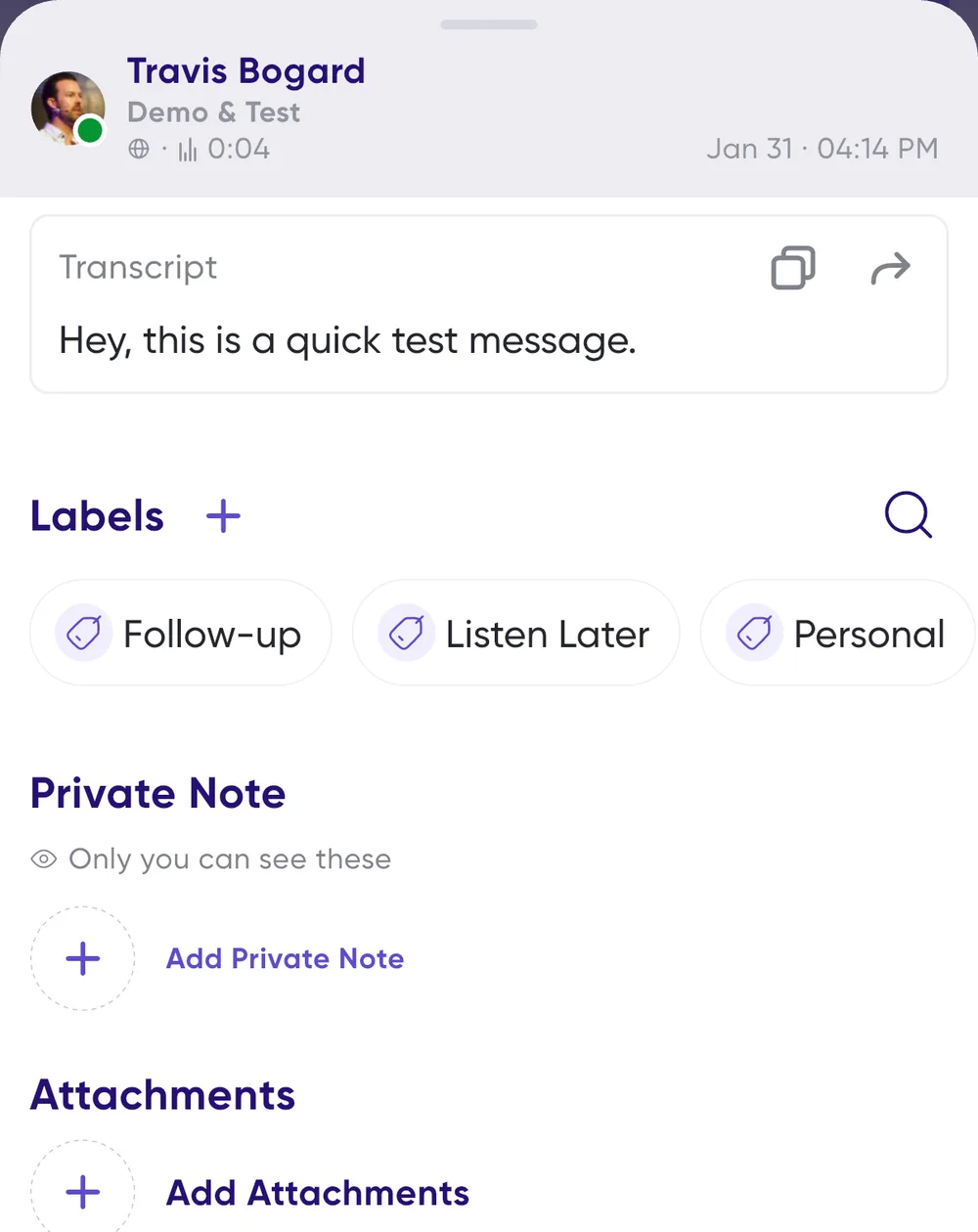
- Swipe from right to left on a message to open Message Details.
- Scroll down to Private notes and tap to add your note.
- Tap Done, and the note is attached to the message.
Finding your notes again
Notes appear in the conversation and while you reply to the message. You can also find them later in the Notebook tab.