Quick reactions with emoji
To react to a message with an emoji:
- Press and hold on any message in a conversation.
- Tap the emoji you want to use.
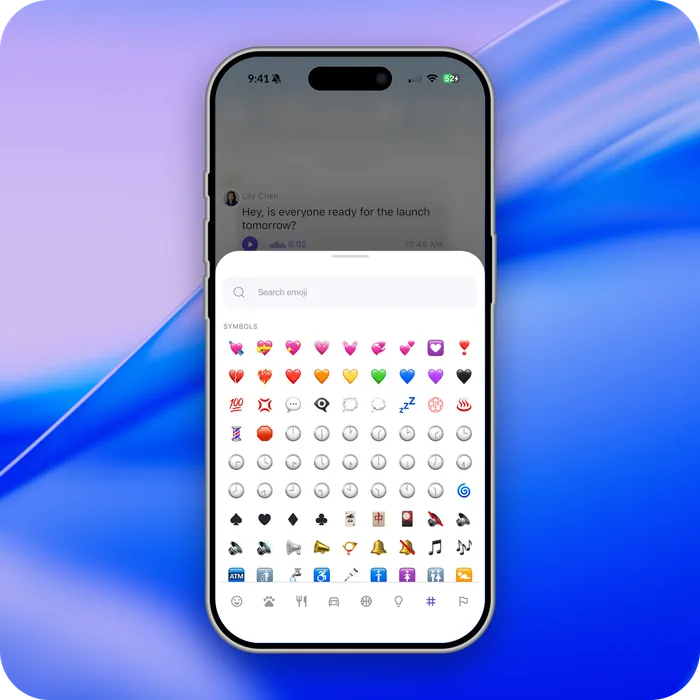

You aren't limited to a fixed set: more than 1,400 emoji are available.
Seeing who reacted
Press and hold a reaction to see everyone who used it. On desktop, right-click it.