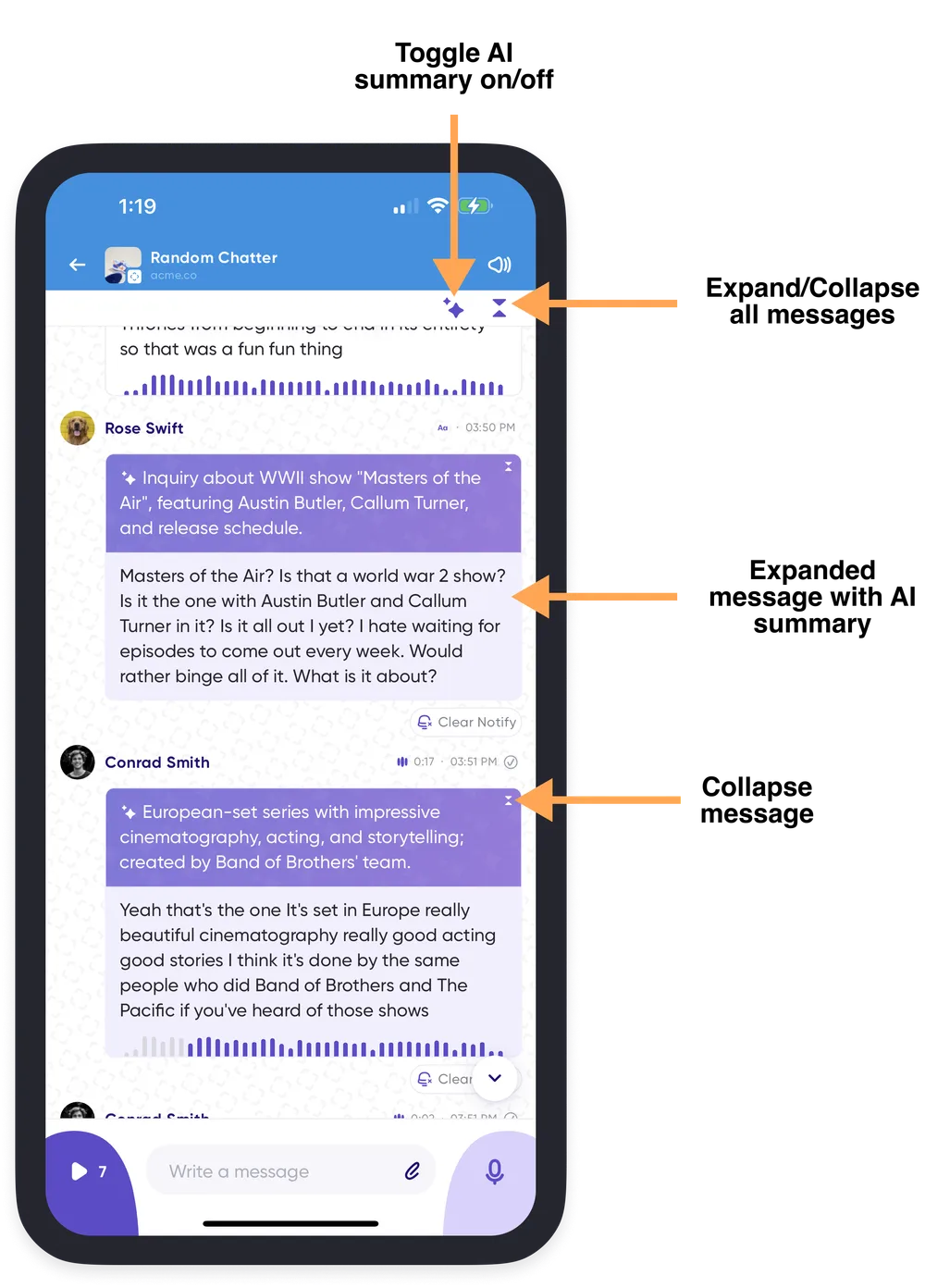
One-tap to expand transcriptions
Messages can be long. Rather than tapping show more on each one, you can expand every transcript in a conversation at once.
- Expand everything. Tap the summarize icon at the top right of the conversation and choose AI + Message to reveal the full transcription of every message card alongside its summary.
- Collapse it again. Choose AI Only for summaries alone, or pick the same option a second time to turn the summaries off entirely, so you control how much text is on screen.
This is most useful for lengthier discussions when you would rather read than listen.