Distracted mode
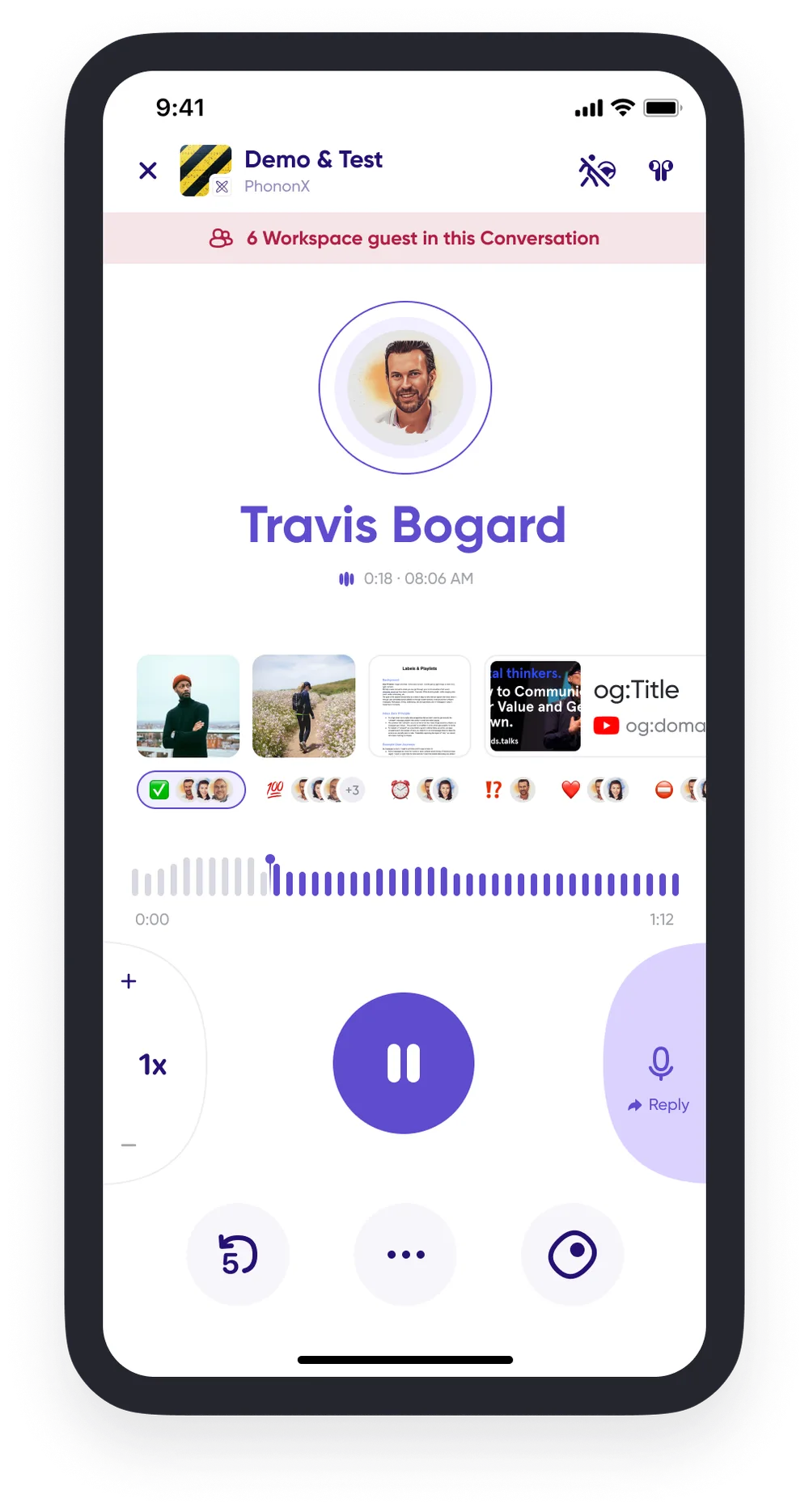
Distracted mode is a simplified, on-the-go player. Larger buttons and a decluttered screen make it easier to use when you're multitasking and can't fully focus on your phone.
Getting into distracted mode
- From Home. Tap the play area on any conversation card to catch up in distracted mode. It shows the conversation's unread count.
- Inside a conversation. Tap the distracted mode icon at the top.
While you're in it
- Tap "..." for detailed message information, including engagement status and transcriptions.
- Flag messages as Follow-up to find them again later.
Getting out
- Tap the "x" to exit and stop playing the message, or
- Tap the distracted mode icon in the upper right corner to return to the standard in-line player while the message keeps playing.