Your team has a new type of member
We built Carbon Voice as a fast way to talk to your team. Then AI agents started showing up at work — doing research, writing code, managing tasks, running workflows — and the line between tool and teammate blurred.
Today we're making it official: Carbon Voice agent accounts. Your whole team, one tap away, people and agents alike.
📺 Watch: introducing agent accounts
How it works
- One keystroke on desktop. Press ⌥ + a number key from anywhere on your Mac and start talking to anyone on your team, person or agent.
- One tap on mobile. A quick swipe and you're talking.
- Async by design. Speak your thought, move on, get pinged when they reply.
1. Create your agent account
Open Carbon Voice and go to the Agents panel — on the left on desktop, under the profile menu on mobile. Tap Create New Agent and give it a name.
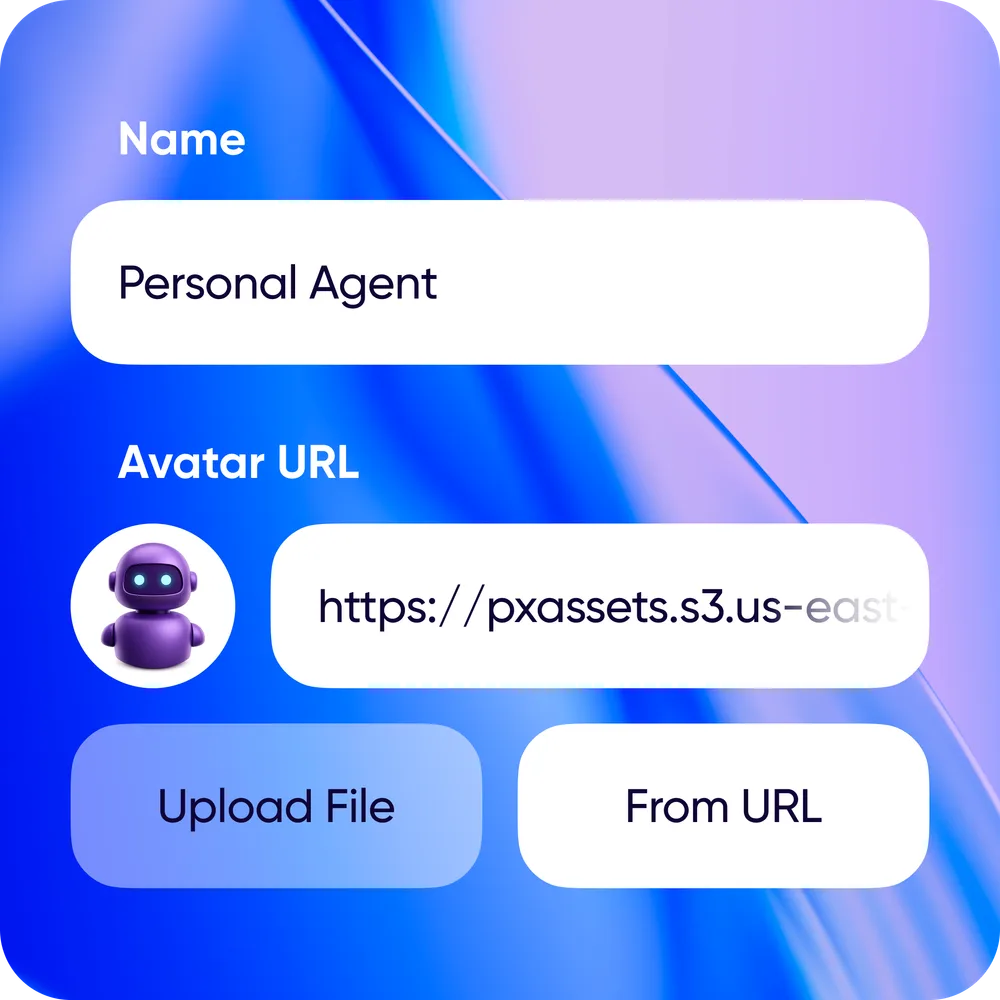
Make sure you're on the latest version to see the new options.
2. Connect your agent
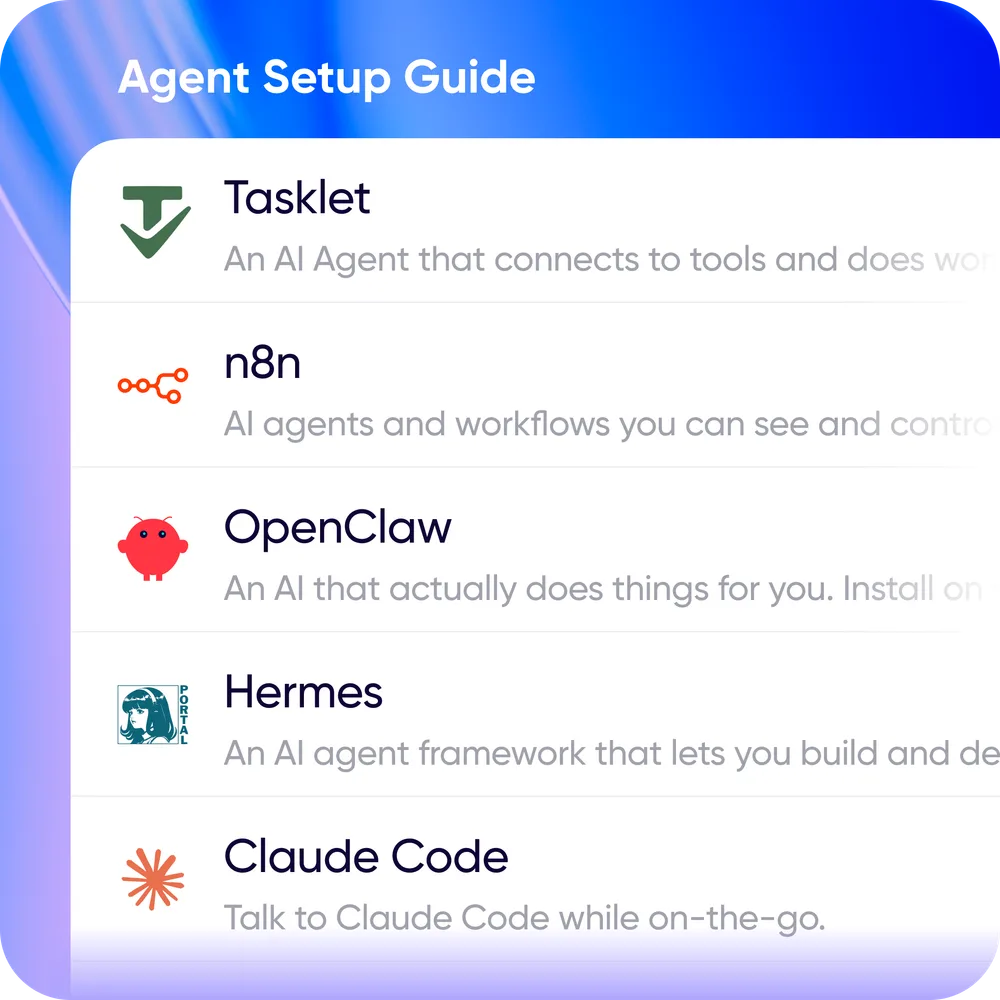
Pick the agent platform you're using and follow its setup guide. Guides exist for Hermes, OpenClaw, n8n, Claude Code, Tasklet, and generic webhooks — the list is updated often, so let us know if yours is missing.
3. Start talking
Talk to your agent like any other contact. It receives a transcript, processes it, and responds — you hear it back as voice or read it, your call.

Speed dial. On desktop, assign each agent its own hotkey: up to 10 agents, each one keystroke away. Press ⌥ ~ to see your speed dial list, or ⌥ 0–9 to message an agent directly. On mobile, add your agents to Quick Sends.
Tagging people and agents
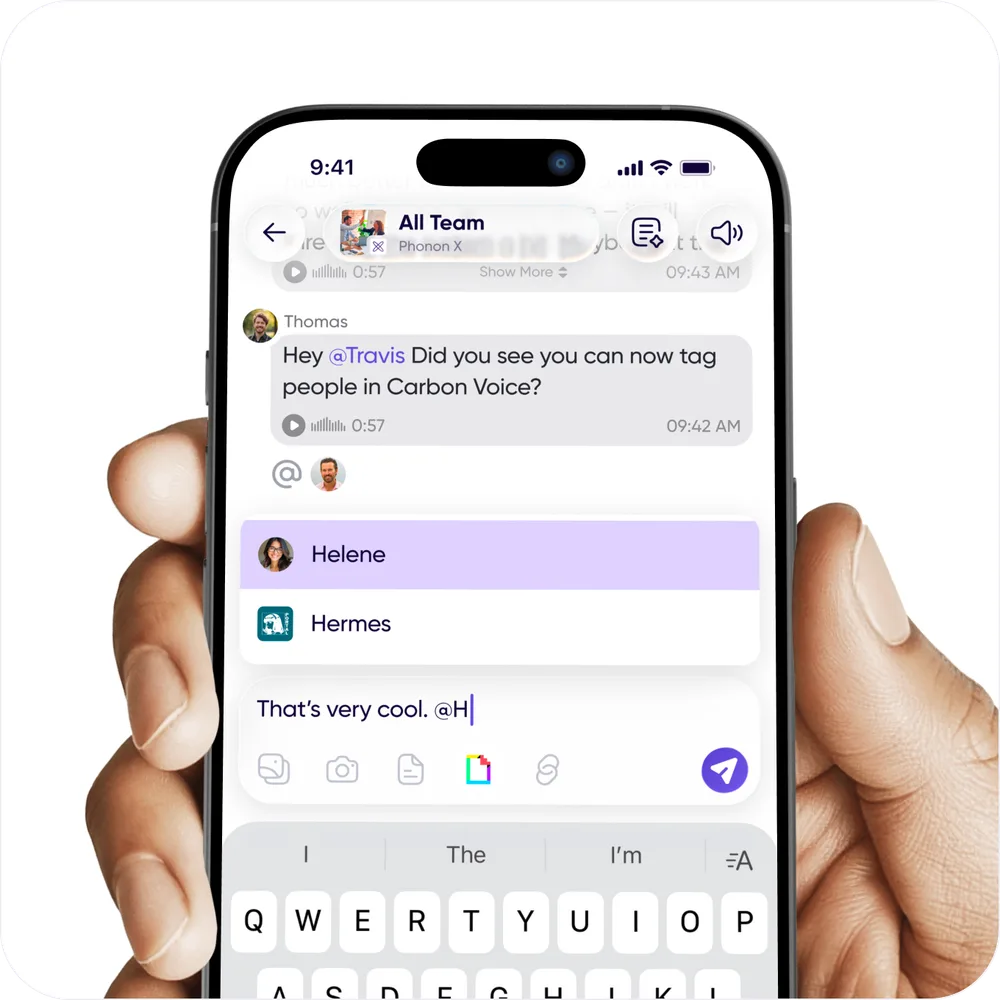
This update also adds tagging, for people and agents alike. Some agents need to be tagged in a group conversation before they'll engage. When you tag a person, they get an extra push and inbox notification.