More reactions, dark mode, faster sharing
We've been shipping a steady stream of improvements based on your feedback. Here are a few you may have missed.
More reactions
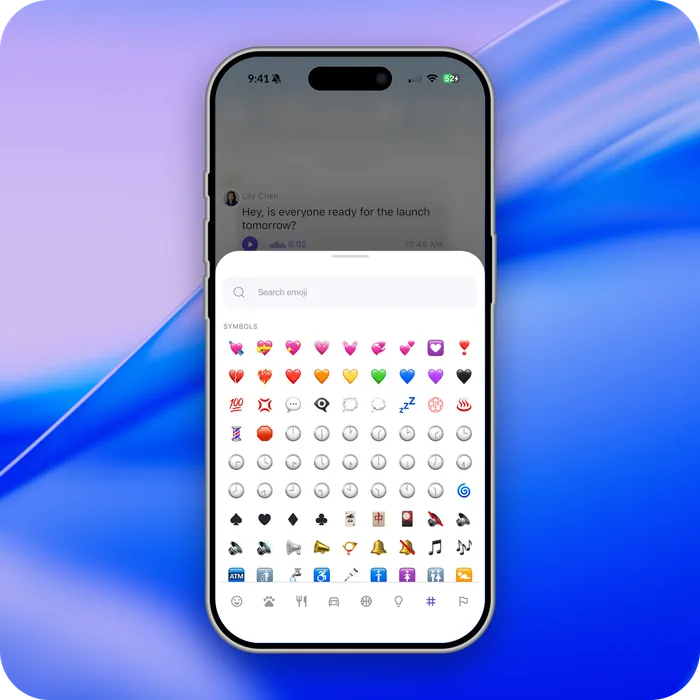
Message reactions are no longer a fixed set — you can react using more than 1,400 emoji.
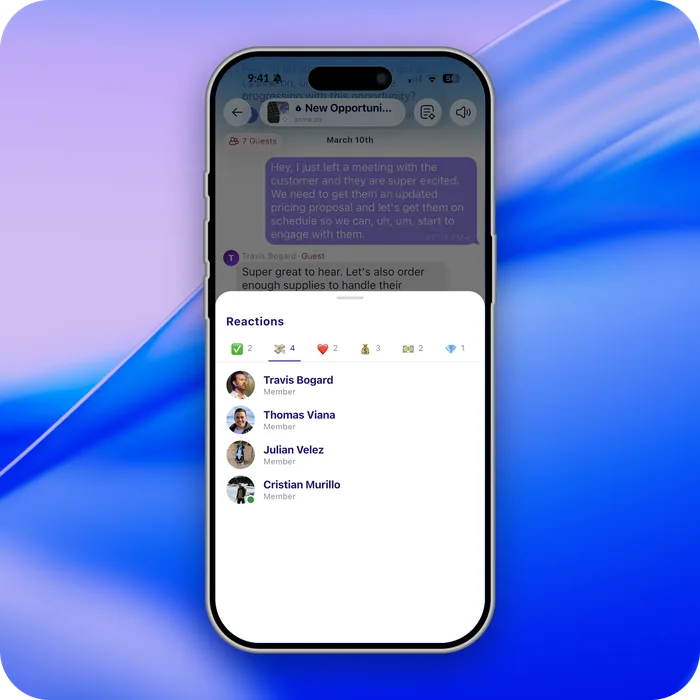
See who reacted
Press and hold on a reaction, or right-click on desktop, to see everyone who reacted.
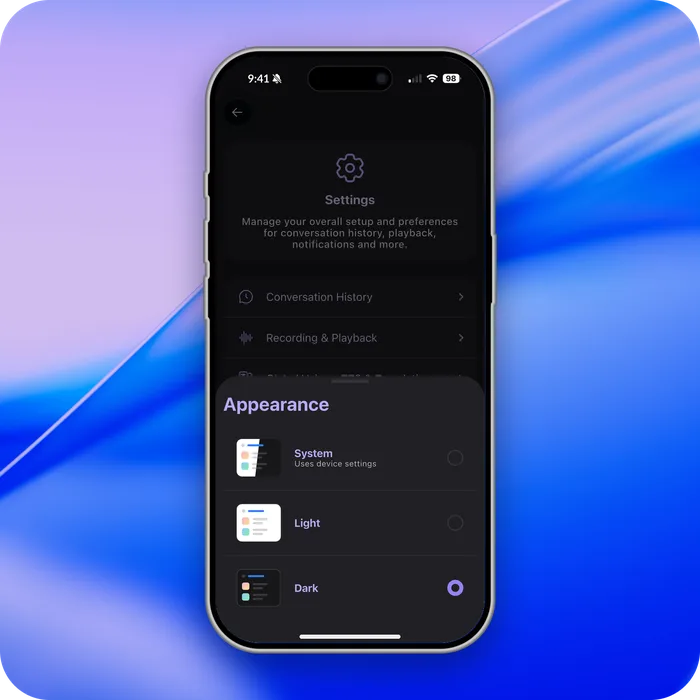
Dark mode
Dark mode follows your phone settings, and you can make your own choice in settings.
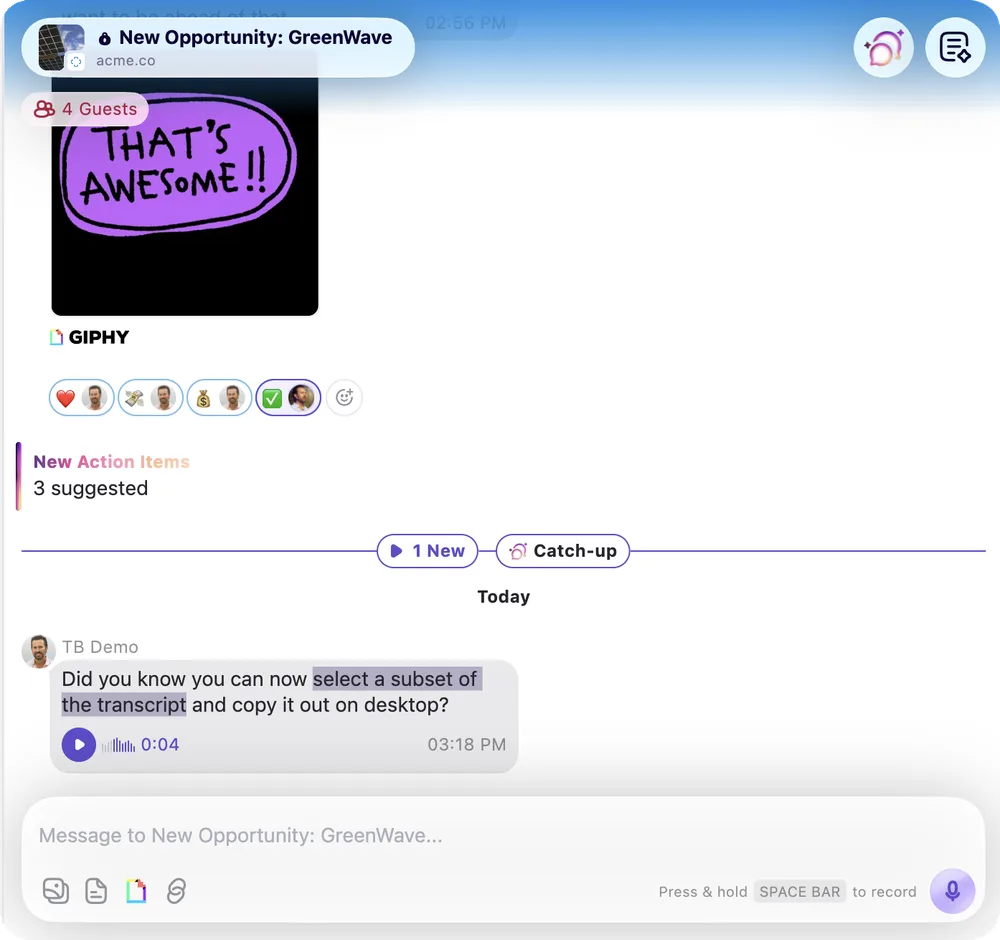
Select part of a transcript on desktop
Highlight and copy just the text you need from a transcript — useful for grabbing quotes, notes, or action items.
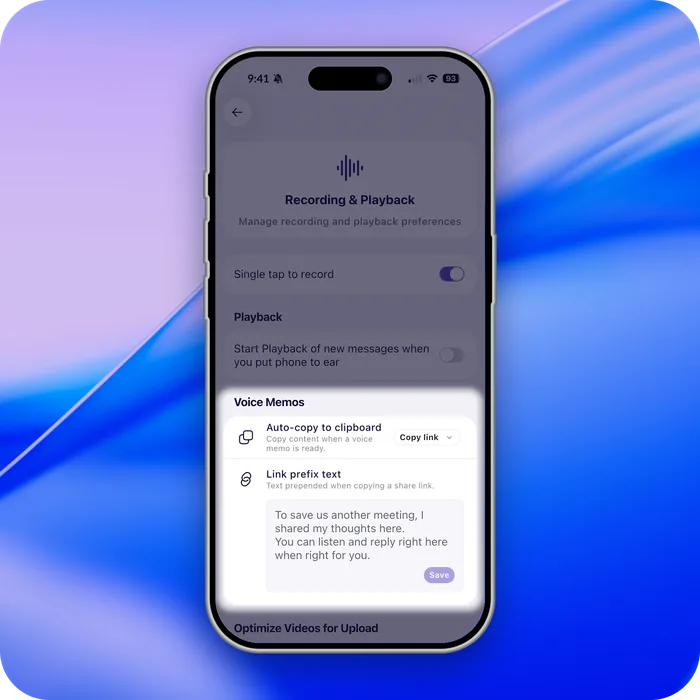
Faster voice memo sharing
When you create a voice memo, a shareable link is copied to your clipboard automatically, along with customizable text.
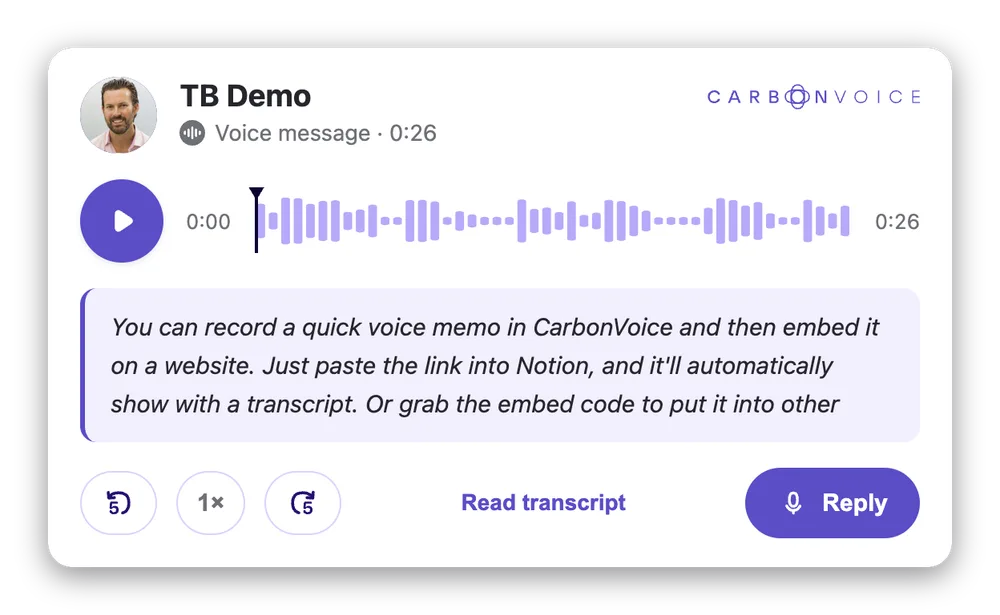
Embed voice messages on a website
Embed a voice memo and its transcript on any website, blog, or Notion page. Create a shareable link and paste it into Notion as an embed, or take the embed code from message details.
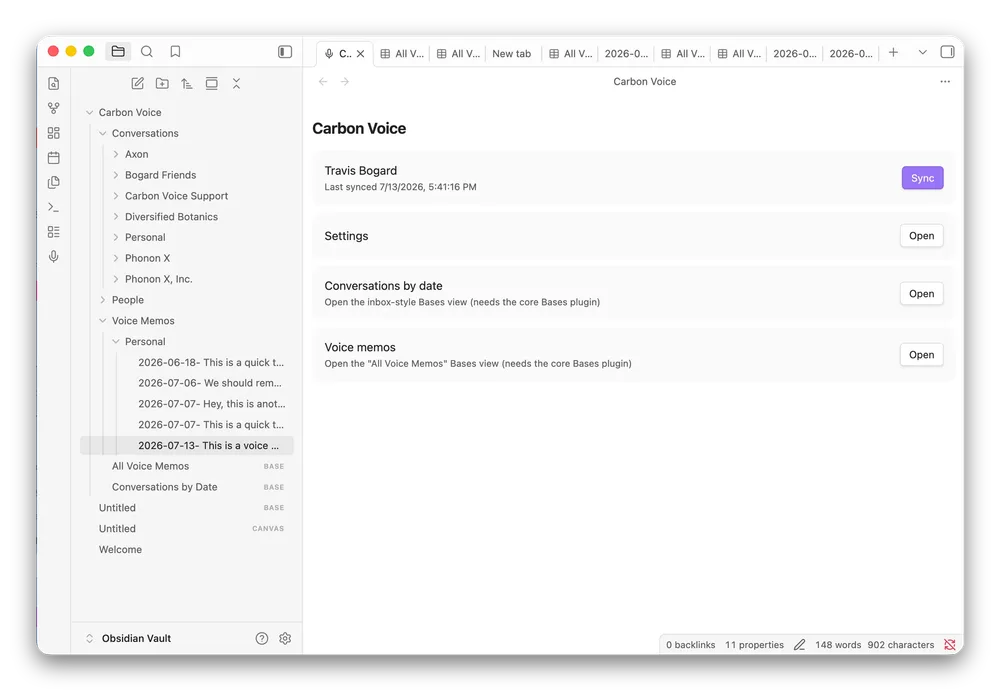
Sync with Obsidian
Sync your voice memos and conversations into Obsidian using the Carbon Voice Sync plugin.
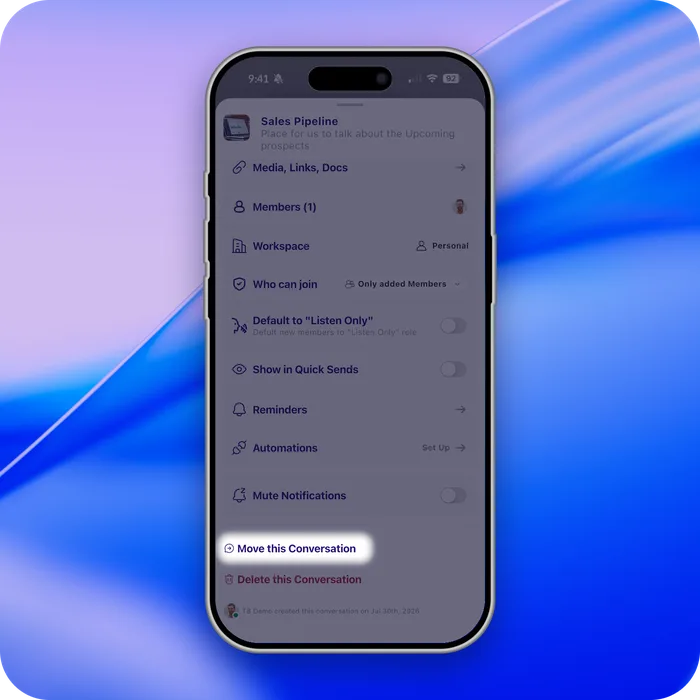
Move conversations
Created a conversation before you had a workspace? You can now move it into one — open the conversation menu (⋯) and select Move Conversation.
Mark conversations as read from one page
Your unread list is easier to manage: mark conversations as read without opening each one.
Faster across the board
Performance improvements throughout the app, with the web experience noticeably quicker to load.
Questions go to Profile Menu → Help → Support, and feedback to Profile Menu → Help → Feedback.